
How to Make an Uptown Funk AI Video (Step by Step)
Put yourself, a friend or anyone who agreed at the front of the viral Uptown Funk street crew from one photo: every step with screenshots, what it costs and tips for the best result.
Oct 24, 2026
The Uptown Funk AI trend puts someone unexpected at the front of a five-man street crew: they strut down a city street towards the camera, sing the line straight down the lens and dance with the crew, all to Uptown Funk. With the Uptown Funk AI generator you need one photo and a few minutes: the AI replaces only the lead in the middle and keeps the crew, the street, the camera moves and the soundtrack. This guide shows every screen, with real screenshots.
1. Open the generator
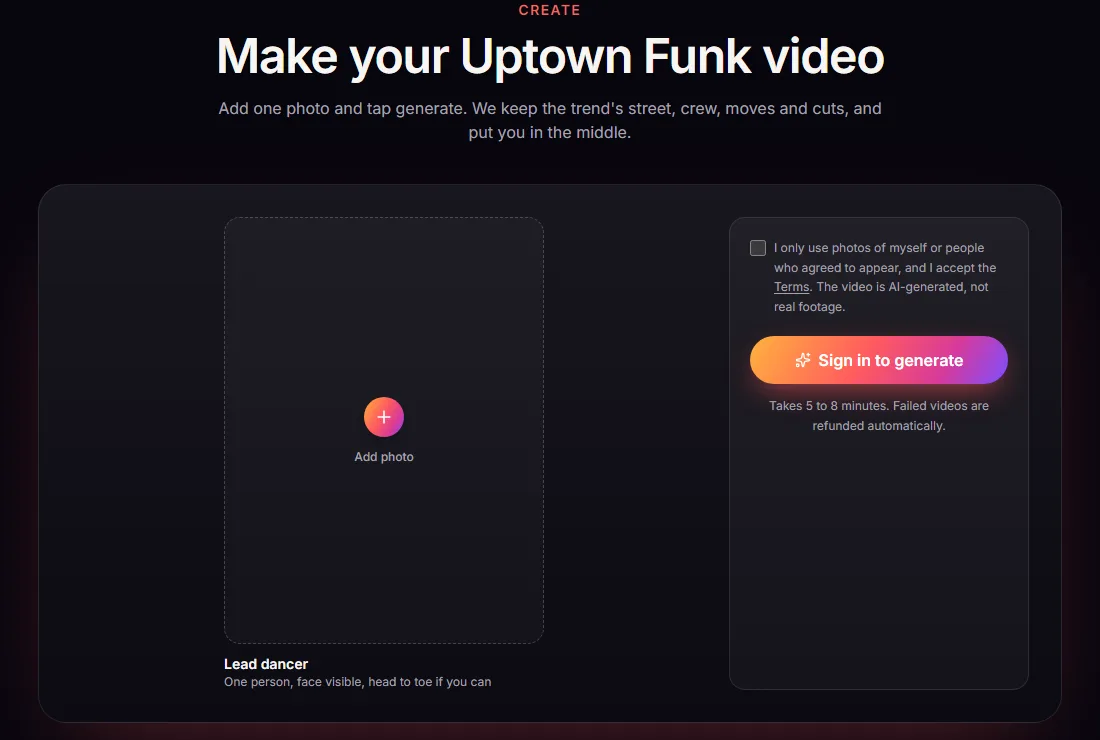
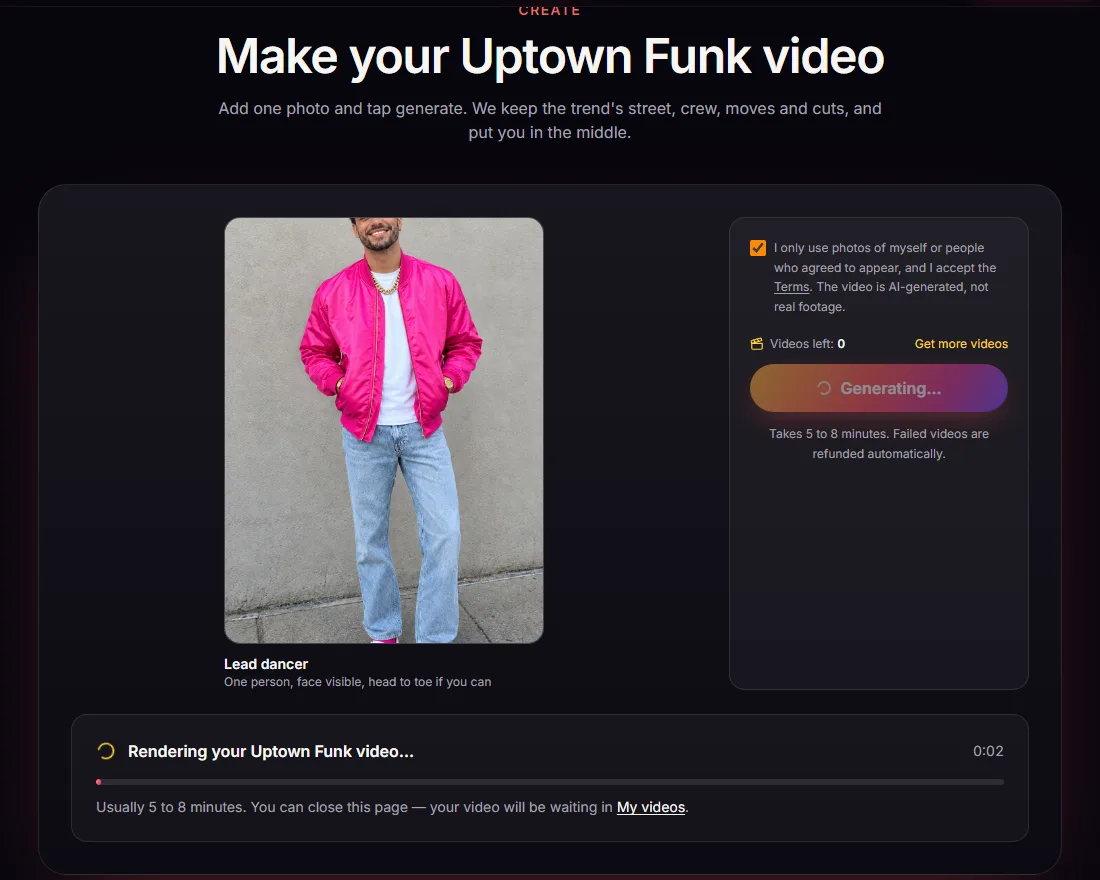
Go to uptownfunkai.org and scroll to Make your Uptown Funk video, or click Create video at the top. The generator has one photo slot, the lead dancer, and a button that asks you to sign in before you generate.
2. Sign in
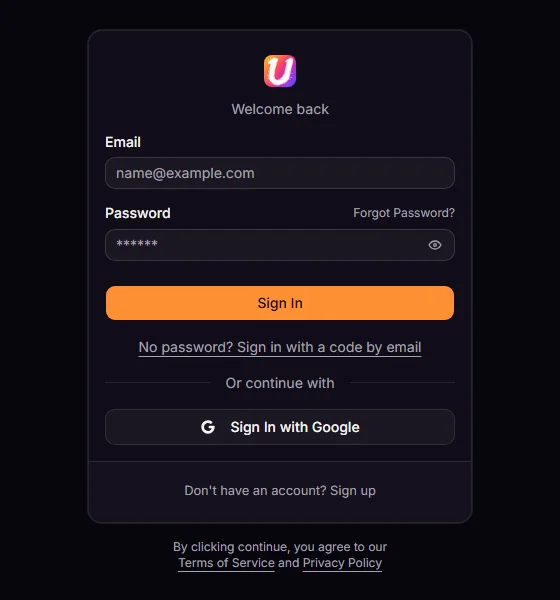
Sign in with Google in one click, with your email and a password, or with No password? Sign in with a code by email. The videos you buy and the videos you make are tied to this account.
3. Buy videos
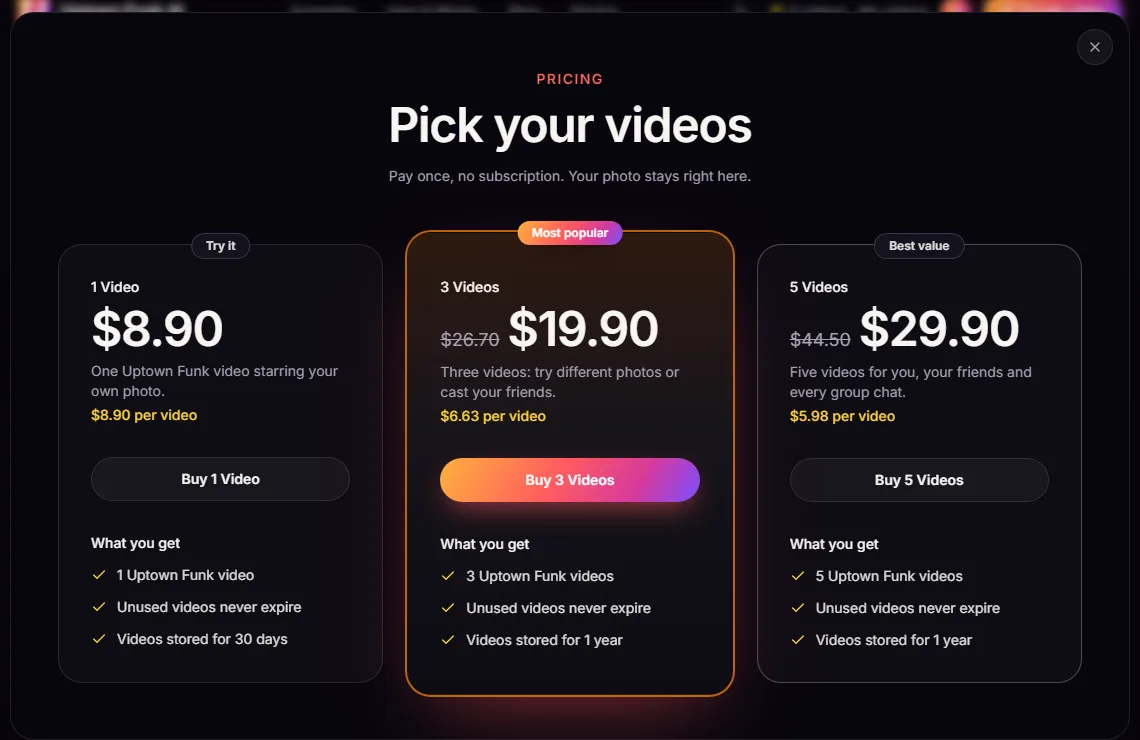
Videos come in one-time packs; there is no subscription and no free generation. Every video is the same 12-second widescreen clip with the trend soundtrack, and videos you have bought but not made yet never expire:
| Pack | Price | Per video |
|---|---|---|
| 1 Video | $8.90 | $8.90 |
| 3 Videos | $19.90 | $6.63 |
| 5 Videos | $29.90 | $5.98 |
4. Add one photo
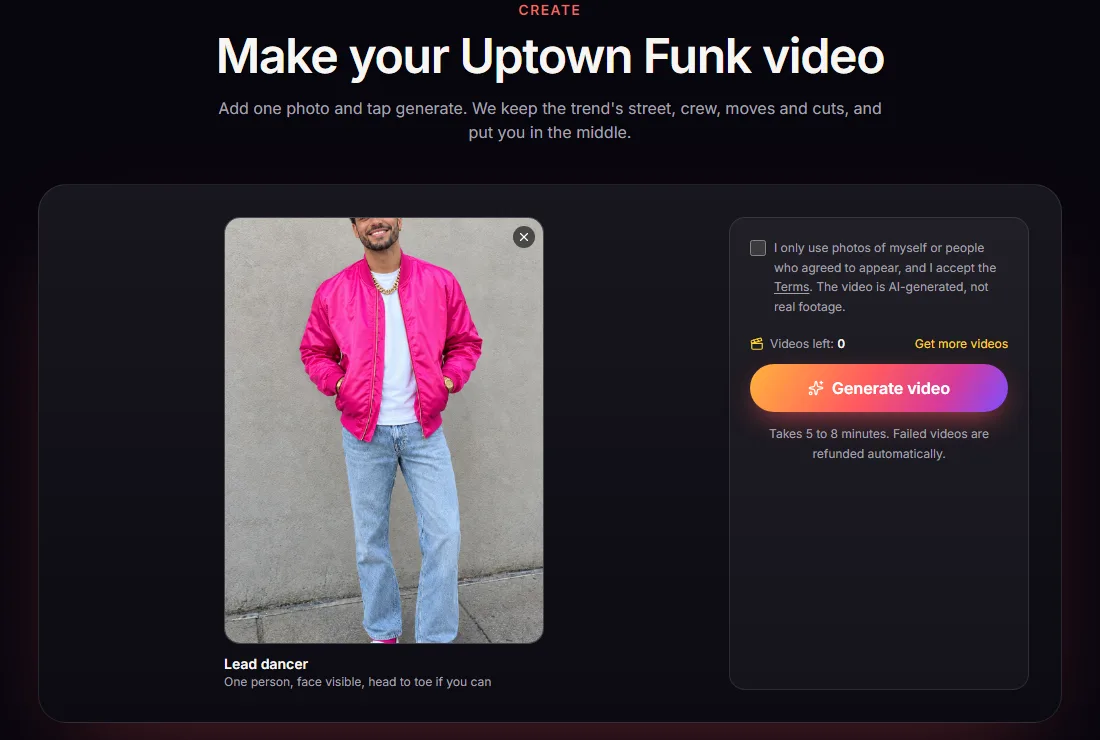
Add one photo of one person. Your photo stays in the generator while you sign in and pay. What works best:
- Front-facing, face fully visible, no sunglasses, hat or mask.
- Head to toe if you can: the AI copies your outfit and body into the strut and the dance.
- A colour that pops. The crew wears white, grey, cream and gold on a dark street, so a bright pink, blue, purple or green top makes you the one everyone looks at.
Then tick the box confirming the photo shows you or an adult who agreed. Photos of musicians, celebrities, public figures or minors are not allowed.
5. Generate
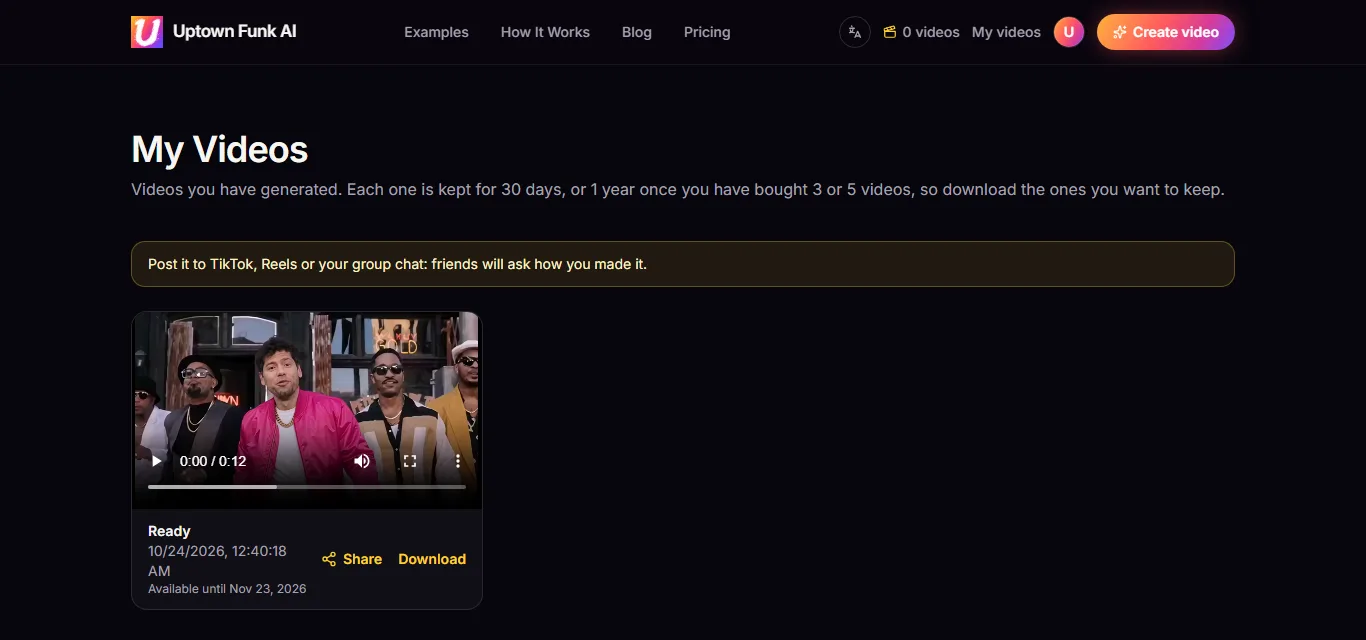
Click Generate video. One video from your pack is used when it starts, and rendering takes about five to eight minutes. You can close the tab; the video keeps rendering and appears in My videos. If a render fails, the video comes back to your account automatically.
6. Download and post
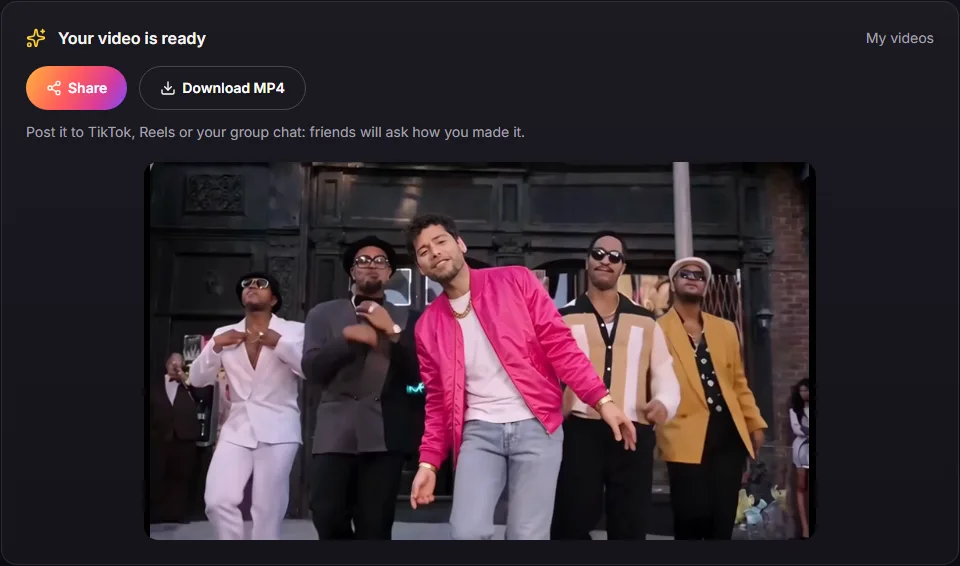
When it is done, watch it and download the MP4 from the generator or from My videos, or tap Share on your phone to send it straight to an app. You get the full 12-second, 16:9 clip with the trend soundtrack. Turn on the platform's AI-generated label when you post.
What to expect
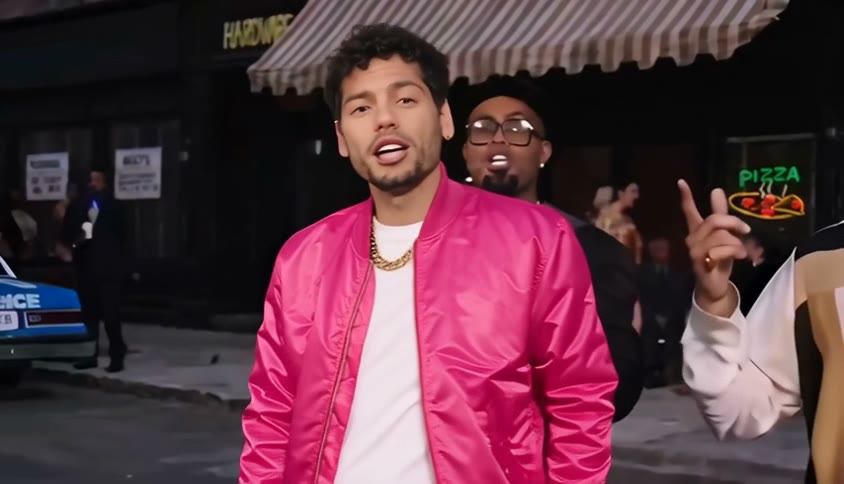
- Only the lead in the middle changes. The four dancers around him, the people in the street and the camera move exactly as in the trend clip.
- The face is closest when the photo is front-facing and sharp; in fast turns it can drift a little. Lip sync is close, not frame-exact.
- Every video is widescreen 16:9. Post it as it is, or crop it to vertical in any editor.
Ready? Open the generator or see pricing first.
Make your Uptown Funk AI video
One photo in, the 12-second street dance out, with the trend's soundtrack.
Open the generator